
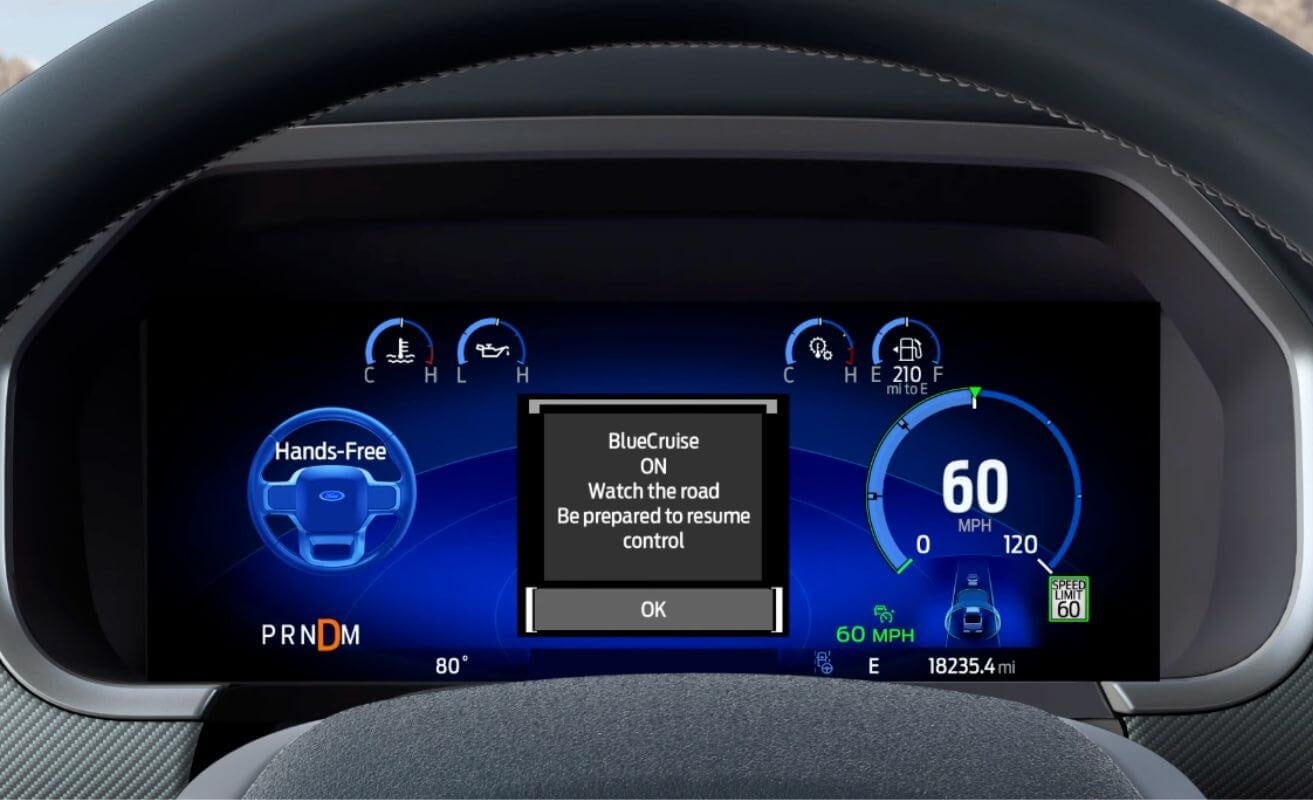
You may have heard of the system, but what BlueCruise Ford Explorer features are you aware of? This hands-free driving system can unlock both assisted lane changing and automatic lane change, as well as In-Lane Repositioning to center yourself. To show you what this function adds to your highway drive, Jim Riehl’s Friendly Ford has documented the key features that make BlueCruise a must-have for serious drivers.
Lane Change Assist
With BlueCruise on your Ford Explorer, you don’t need to touch the steering wheel to change lanes. When on a supported highway, simply use the turn signal to tell the vehicle to shift to the lane to your right or left.
When it’s safe to move over, BlueCruise steers your vehicle into the lane. In slow traffic, the system will also suggest lane changes to help you get ahead.
Automatic Lane Change
Newer versions of BlueCruise (1.5 and later) also include automatic lane changing to take the entire procedure out of your hands. When the vehicle detects that traffic is clear, automation takes over to move you to the next lane without any input. It will flash a warning before it moves over so you can override or cancel it.
In-Lane Repositioning
When you aren’t changing lanes, BlueCruise still helps out with automatic steering adjustments. This system uses sensor data to check whether your vehicle is centered in your lane and far enough away from vehicles to the side. If you aren’t, it makes subtle adjustments to give you more room.
Compare BlueCruise Ford Explorer Features in Charlevoix, MI
Want a hands-on demonstration of these BlueCruise Ford Explorer features? Our dealers are waiting to show you, so contact Jim Riehl’s Friendly Ford today to schedule a test drive.